Some tips on solar photography

Share

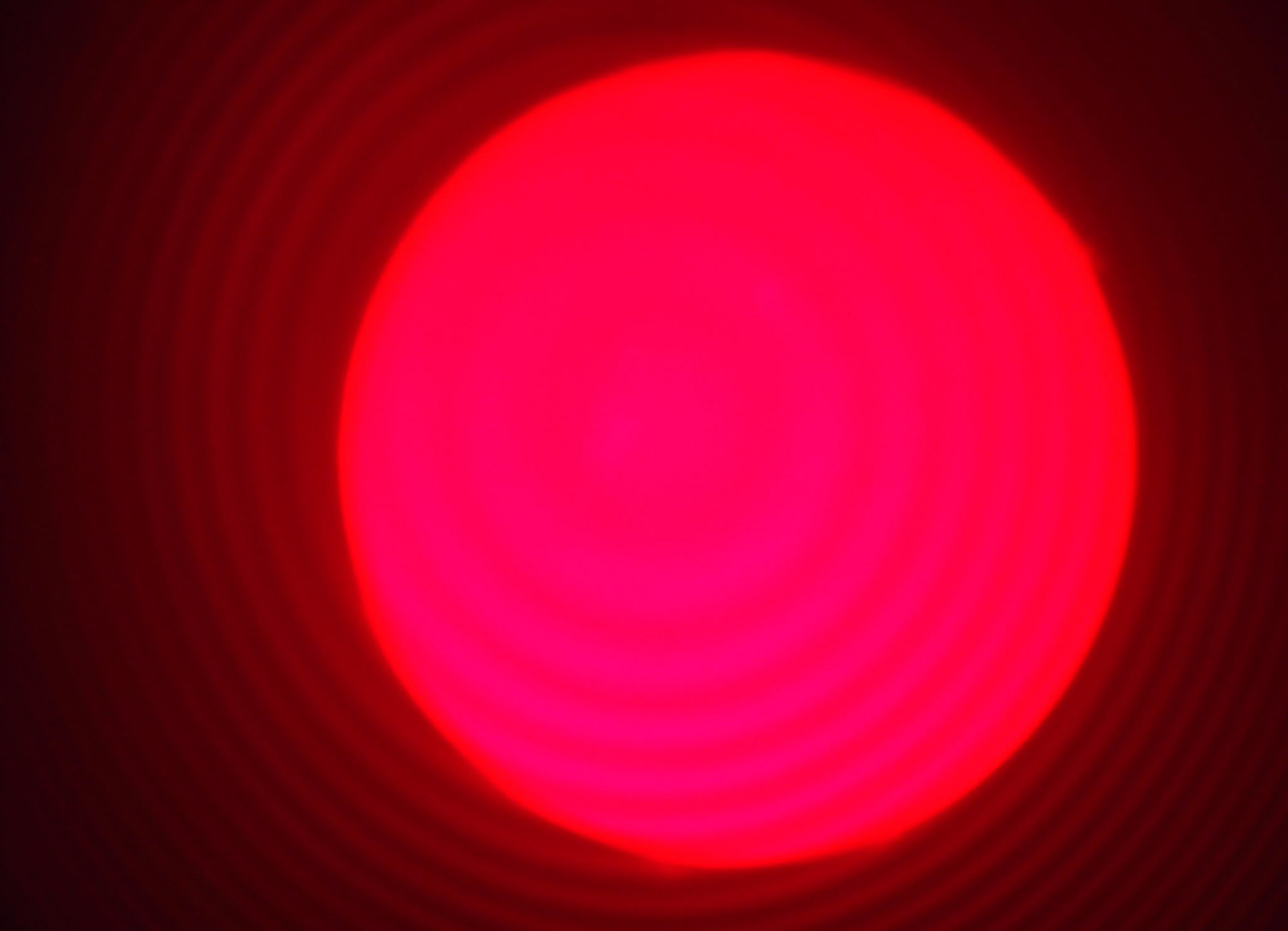
NOT MY IMAGE:

THIS IS NOT MY PHOTO. This is one a new shooter posted on a forum, and asked for advice. But a lot of what I say here is useful even if you’re not having this much trouble, or even just trying to figure it out.

I agree with the people saying “out of tune (etalon) and the scope is out of focus.” BUT ALSO….

You have your capture settings WAY too bright to see any detail. And you need detail to solve the other two problems.

Are you capturing in SharpCap? Whatever you’re using, start with your exposure per frame at 1 or 2 ms (milliseconds)

And then adjust your gain to something to where you can see some detail. Dimmer than this. On my scope (Lunt 40) with my camera (Player One Uranus-M camera) I’d start at about gain 200 for 1 ms exposure.

If you have it dimmer, you can focus it while looking until you can see details more sharply. Then try moving the etalon control a little in either direction to see if more details come out. If you get it looking good, then focus again, can be easier to get focus tighter after you tune etalon.

You may have to tune etalon a little every time. It’s not “set it and forget it.” Changes with temperature of air, for one.

Once you get all this try using the little 4-way joystick push button on that mount to see if you get more details a different place in the view. Like if you have details in most of it but one chunk of the Sun view is bright and washed out, move it until it’s not washed out.

Then define an ROI (region of interest) in SharpCap that leaves some room around the Sun for prominences (you can’t see them with it dim), but not too much. You have some room to the left of the Sun here you don’t need to shoot. That’s only increasing the file size and making your frame rate slower, which can lead to distortions in your image as the Sun changes, since you’ll be shooting longer.

After focusing and tuning the etalon, I usually turn brightness back up for a moment to see where the prominences are that day. Some days they’re longer.

Then shoot 2000 frames of .SER video at 16-bit, to stack later.

Was it cold when you were shooting? Below about 38 to 40 F, my blocking filter doesn’t work. I use a dew heater strip around that part of the scope to warm it up.

If you get all that fixed, the concentric circles around the Sun you’re seeing are definitely Newton’s Rings. You’ll probably see them on the Sun too. I use a Player One Solar Fast Tilter, to adjust a tiny bit to remove that. I put it between the scope and the camera, or if using a Barlow, between the Barlow and the camera.

It looks and sounds like you’re using a color cam. Almost everyone shoots the Sun with mono, and if they want color adds orange later.

Mono can shoot a lot more frames per second.

An inexpensive cam that will work well at that focal length and be MUCH better than what you’re using is a Player One Neptune M or if you want to spend a little more, the one I use from the same company is a Player One Uranus-M camera. These are made for planetary and Lunar lucky imaging, but work great for lower MM solar photog like you’re doing.

If you’re going to get one of their dedicated solar cams (not needed, but great if you have the cash), make sure you match the pixel size roughly to the 630mm focal length of your scope. Don’t get a Player One Apollo-M MAX cam, even though it’s one of the best solar cams, and someone might tell you to get it. It’s for approx 3000 mm solar, and will not work as well for 630mm as the other two cams I mentioned.

Ask Grok, then ask ChatpGPT to make sure Grok’s not lying, or vs versa, if you don’t know yet how to match them.

All this may seem like a lot, but with time, it becomes more automatic, like anything.
How I shoot photos of the Sun

Share

I decide whether or not to shoot based on how I feel (enough sleep, etc), the weather….It must be clear for several hours, usually best to start shooting shortly after dawn, when Sun is lower in the sky.

This is paradoxical if you’ve done night astro, when you want to shoot things as high in the sky as possible. You want to shoot Sun early before heat makes too much fluctuation in the air.

I look at weather charts, also Seeing charts. If the sky is blue but seeing is bad (upper atmosphere levels), I usually do not shoot.

Gear: Player One Uranus-M camera (mono) on Lunt LS40THa solar scope (double etalon) with B1200, on Sky-Watcher SolarQuest Mount.

focused, etalons tuned, good gain / exposure (I think this was 4 ms and 300 gain, need more for double stacking). After focus and tune etalons (I start with one, tune, then put second etalon on, and tune), then I move Sun around in view using finder button on mount until it’s the best looking with no overly “bright” (out of band) parts

I have a little heater strip for the blocking filter on cold mornings. Without that, everything is out of band and shooting is impossible.

Then shoot 16-Bit .ser video using SharpCap pro. Shoot 2000 frames. Shoot maybe 10 videos like that. Then pack up, go inside, and stack each one in Autostakkert. I pick the percent that I use in my stack based on how the graph looks after Analysis.
I save Convoluted version as well as non. I look through the convoluted versions one after the other, pick the best looking 2 or 3, throw out all the non-convoluted ones except the ones with same file name start as best Conv ones.

I throw out all the convoluted ones. Then one by one, I grab the non-convoluted ones into into imPPG, using presets I’ve made over time, and adjust until I like it. I make 2 or 3 variations on each one.

Then I find the best ones I like and pull into PixInsight using SolarToolbox script, and add a little (probably too much, I’m working on trying to do less but haven’t got there yet, lol) sharpening and contrast. I make a mono version (as shot) and one with orange added, and export.

I pull into Photoshop to stack and add a signature. I stack both versions before doing that so they line up with mouseover in AstroBin.

OVERALL:
Sometimes I shoot closeups on the Sun using a 3X Barlow, same techniques, but requires better focus, seeing, and such. I don’t watch around on my wooden porch when shooting, it shakes enough to hurt the shot. If seeing is really good I shoot a couple videos using the Seeing Monitor in SharpCap. I use the Focus Monitor in SharpCap to help me focus well manually.

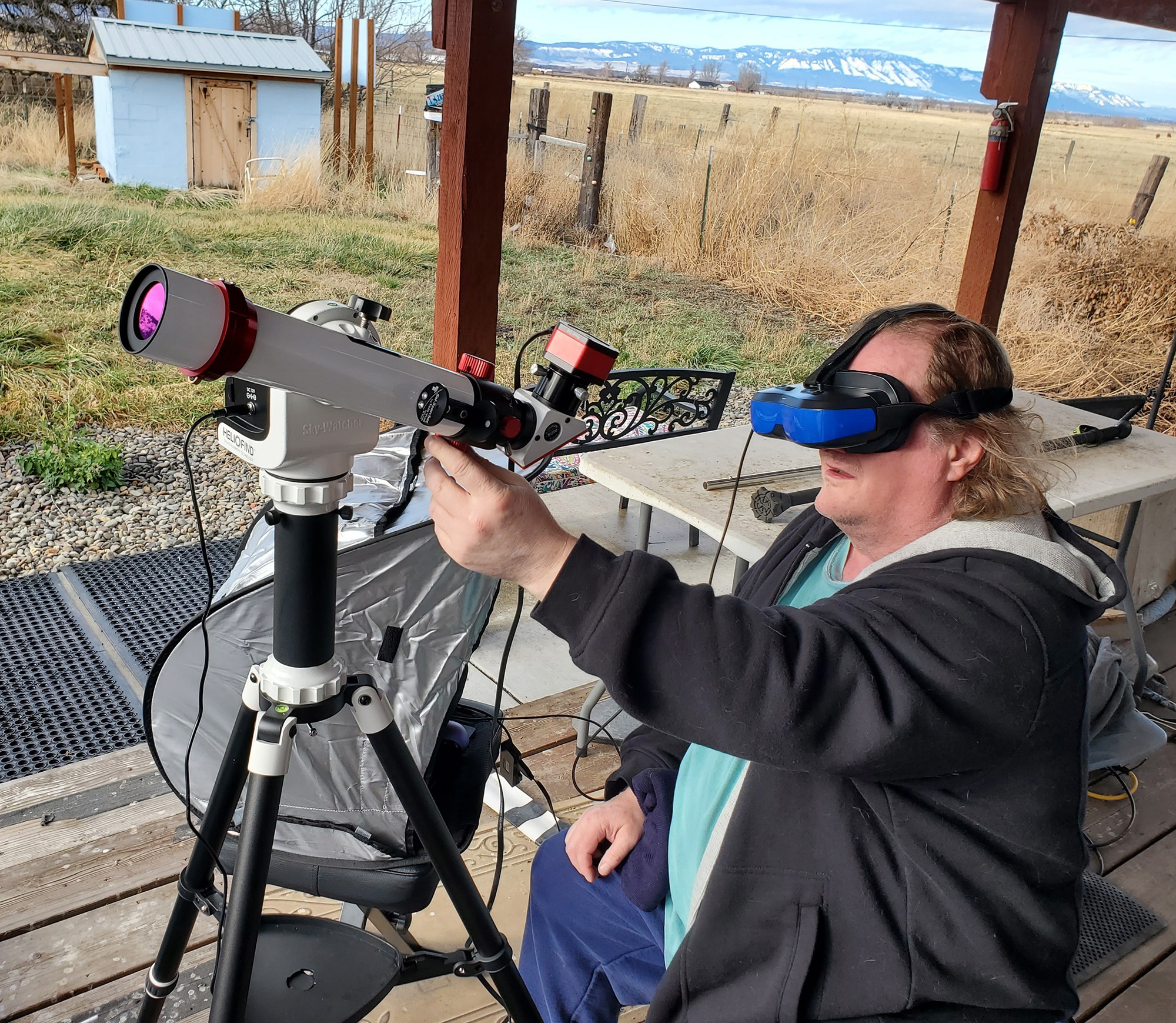
I use a headset monitor to see since it’s hard to see a computer screen in the Sun.

HOW I TAKE SOLAR IMAGES

Share

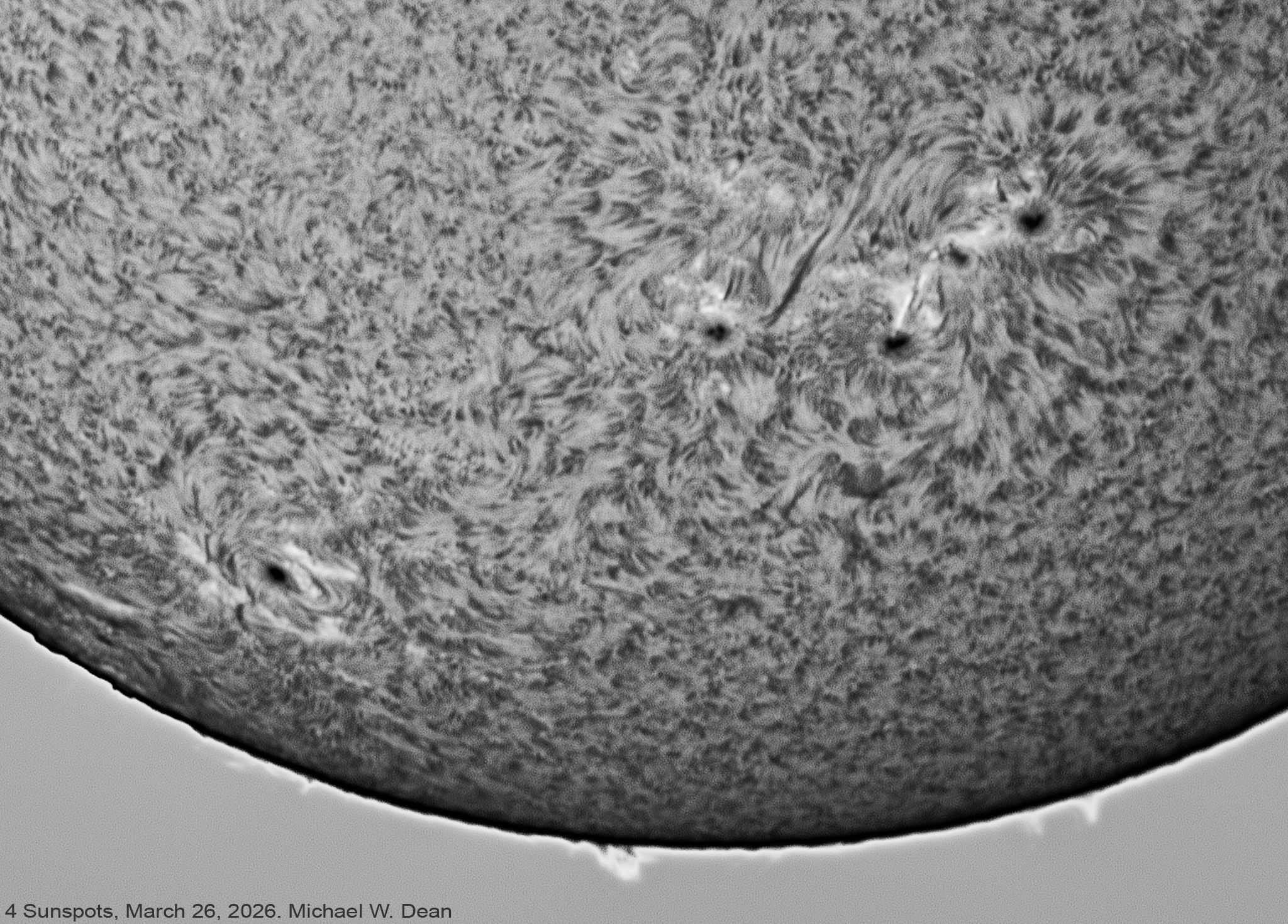
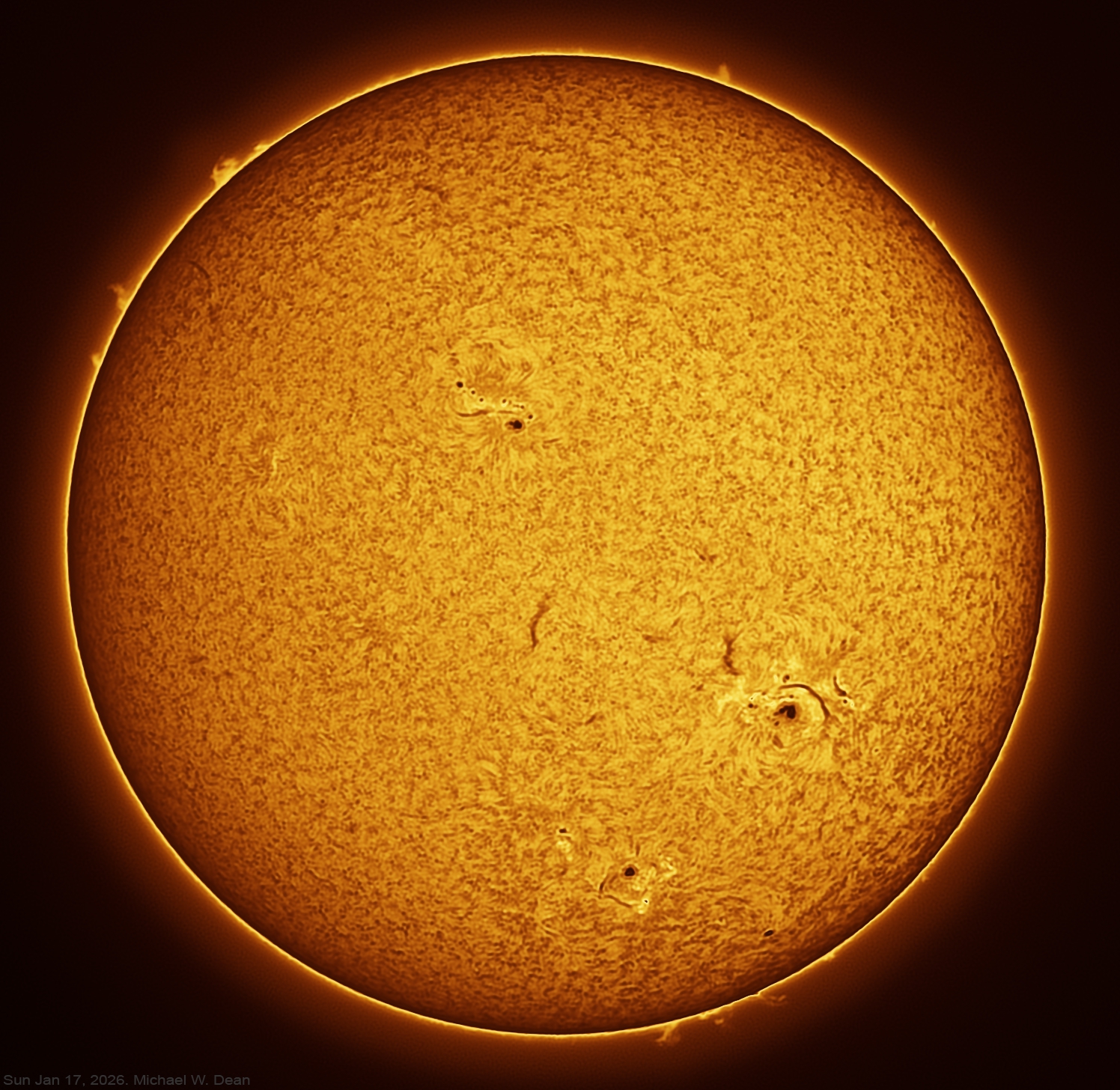
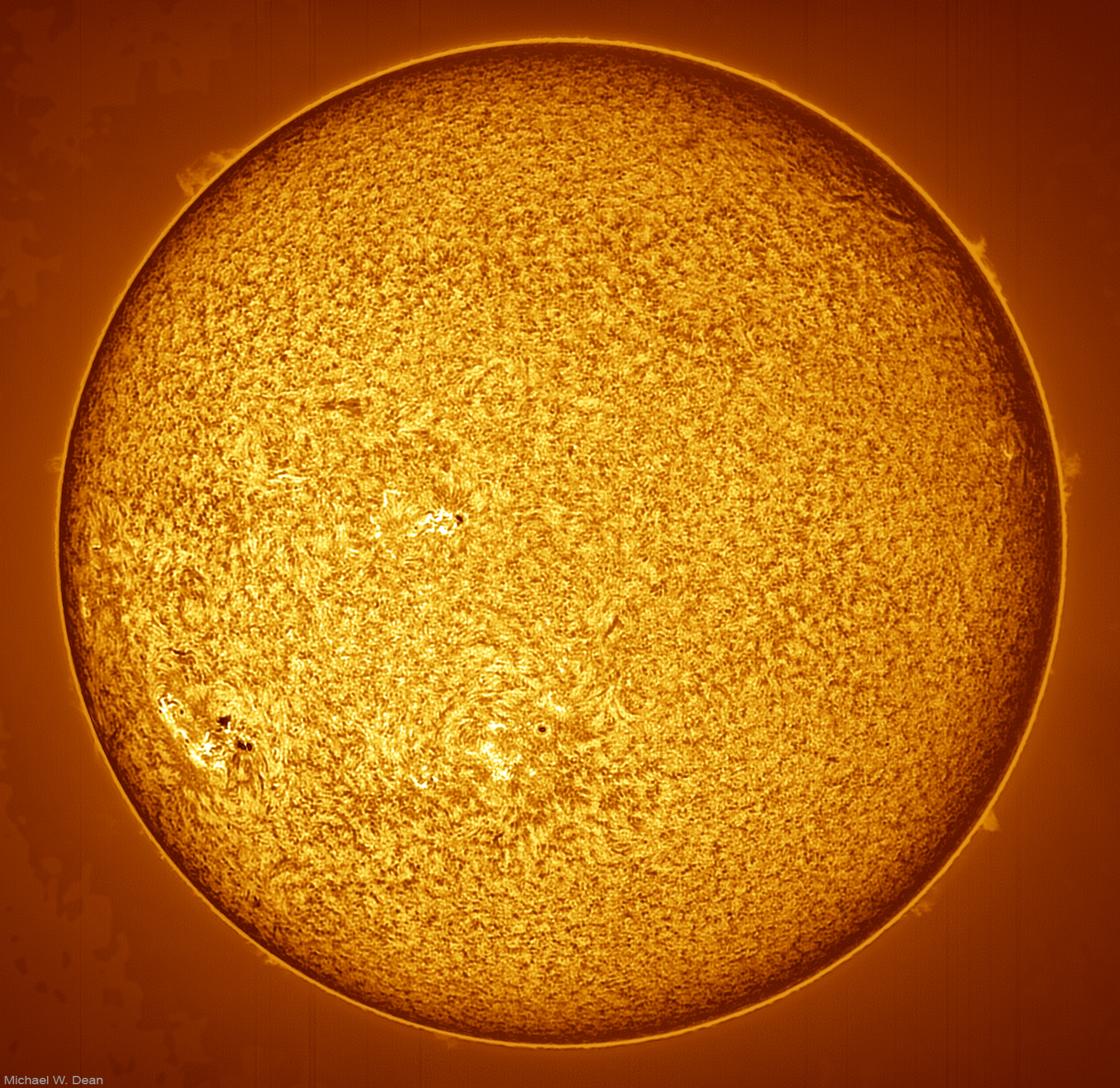
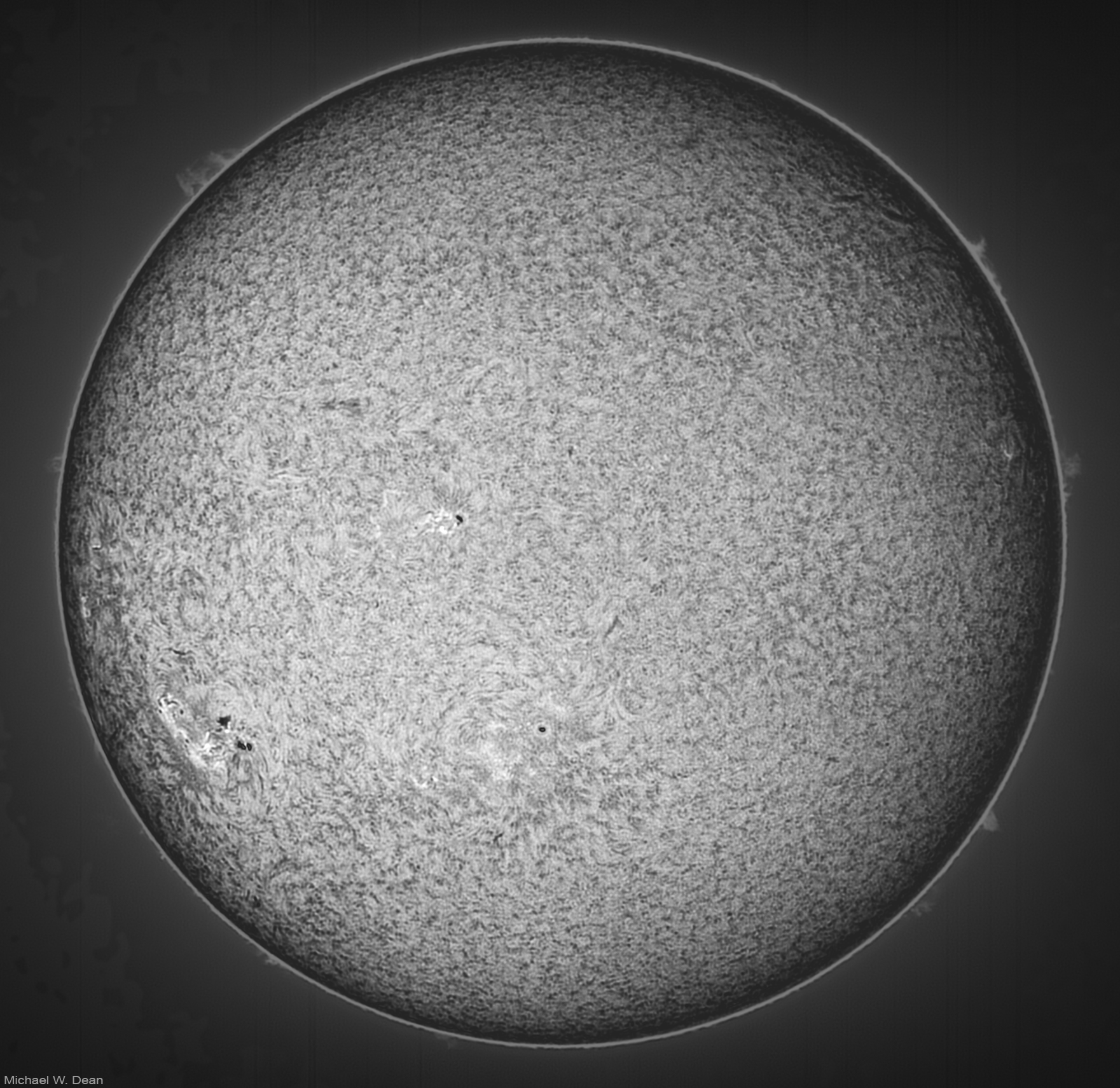
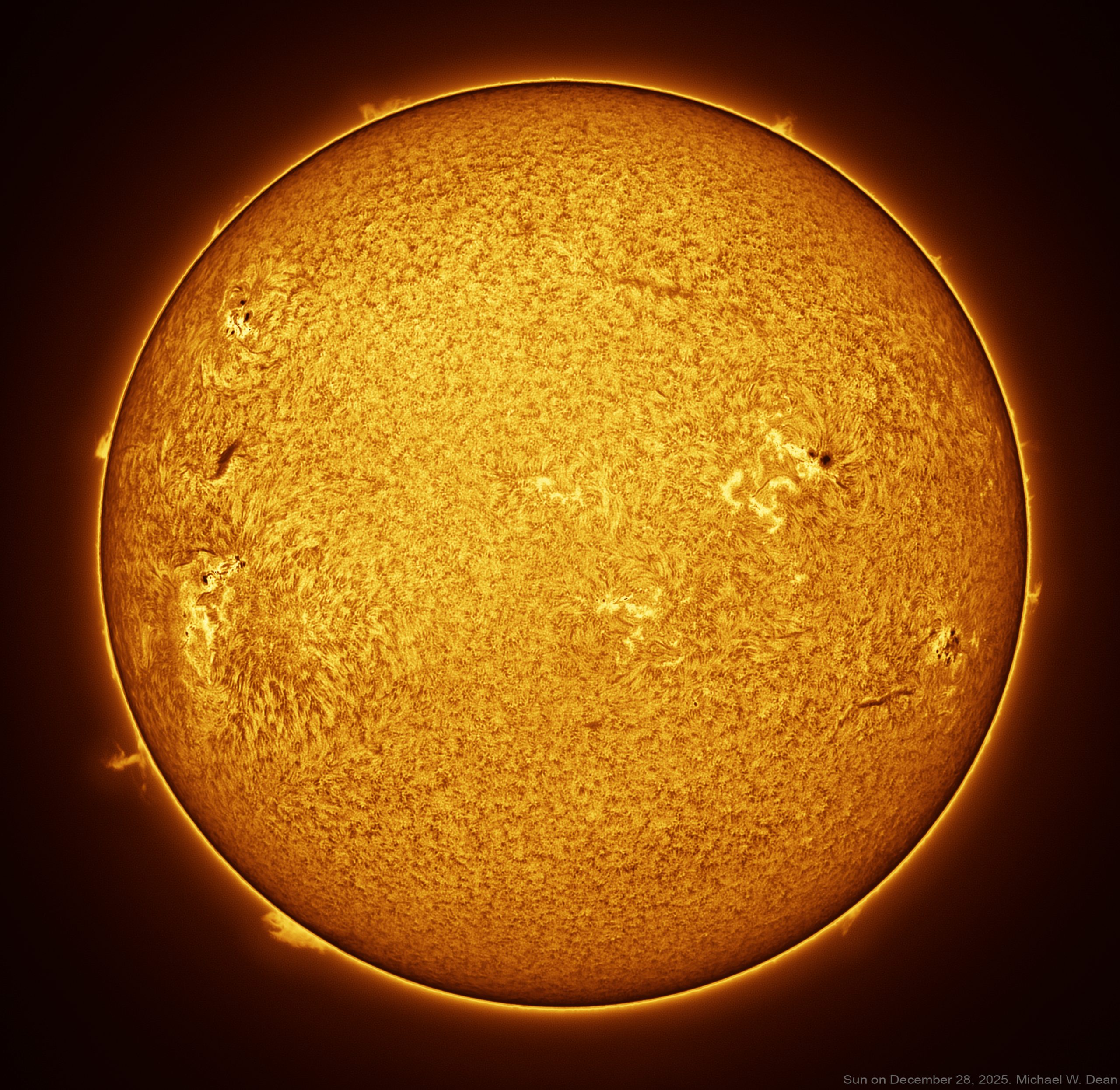
Photo of the Sun’s chromosphere in Ha (Hydrogen-Alpha). It’s the best 100 frames stacked from 2000 frames of video (“Lucky Imaging”), each frame of video 5 milliseconds. I’m still learning and new to this, have only shot 5 photos of the Sun.

Though a lot of the skills from night astro transfer over. I’m using good entry level solar gear. This level of detail cannot be done without dedicated solar etalon for Ha bandpass and energy rejection filter. Solar scopes by Lunt have both. Mylar film “solar filters” for regular cams do NOT provide this detail. And I wouldn’t do this with a regular DSLR/ Mirrorless.

Need a dedicated mono high frame rate video cam made for astro. Hydrogen-Alpha filters for night astro have nothing to do with this and will not work. If I were to start all this over, I’d actually get into solar instead of nighttime deep space photography first. I’d recommend that even more for someone who lives in a city with light pollution at night. (I live rural / dark though) I like solar because it takes about 2 min to shoot a pic like this (maybe an hour or two with setting up and tearing down the gear on the porch), whereas my night photos take all night, or several nights, so I need better weather which is rare here. It’s been 6 weeks since I shot astro at night, and in that time I’ve shot the Sun 4 different days.

And it’s THE SUN! I love the Sun. It makes life possible, and it’s been my friend since I was a small child. Galaxies and nebula are nifty, but almost an abstract concept, whereas THE SUN!… Gear: Player One Uranus-M camera on Lunt 40 mm solar scope with B1200 blocking filter, on Sky-Watcher SolarQuest Mount. (AltAz mount, doesn’t need polar aligning unlike my deep space Equatorial mount) (Though I just got a better solar/lunar camera, Player One Neptune-M camera, that I’ll be using from now on. Is also planetary cam, not dedicated solar cam, but will work better for Solar and better for Lunar. I’ll probably get to try that today.

My solar gear is portable too, compared to my night deep space gear. Software: Capture SharpCap Pro. Stacking: Autostakkert! Processing to bring out details from stacked Tiff: imPPG. Coloring and bring out more detail: SolarToolbox inside PixInsight. Cropping, contrast, and adding signature: Photoshop. Shot with ROI to give a little room for drift and for Sun’s proms. Prominence length I checked by changing Gain for a moment, they can get much longer) (Though I just got a better camera, Player One Neptune-M camera, that I’ll be using from now on. Is plaentary cam, not dedicated solar cam.

makes dedicated solar cams too, but I got these because I can also use for lunar Lucky Imaging too. AND….pixel size of cam should match for focal length you’re using, can ask Grok to do the math, I’m at 400 mm here, so if I use a 3x Barlow and go to 1200 mm I should use different camera, or shoot in Bin 2, not Bin 1 like this) The Sun is almost always shot in monochromatic and then sometimes false colored orange (since the Sun is white, or all colors, color cam isn’t as sensitive and wastes pixels.) I always include the mono original on my AstroBin post though. If you already have a refractor scope and want to DIY this to put together your own solar scope….you can get a Quark from DayStar, add an energy blocking filter AND an IR/UV filter and do it yourself. Still should be guided, but I believe solar is possible unguided for full image like this, I’ve never done it, and it’s not for closeups of Proms. (Do not try this with a large reflector like my big Quattro 250mm aperture scope I use for nebulae and galaxies at night, you’ll burn up your camera. lol)

I am adding a better focuser,  Featherlight from Starlight Instruments.

Also a second etalon to double stack, I ordered it today, that will give even more detail. Double stacking gives an even narrower slice of the Ha wavelength, to give more detail. Another Sun shot I did (less great processing, I’m still learning, but the Sun was maybe more interesting that day…it changes hour to hour….The mono one is the pre-colored image. The second image is colored. It’s 2 pictures of the Sun I took 6 days apart to show how much the Sun changes in less than a week.

Programming suggestion; Be able to hide every feature not in use

Share

(posted on the SharpCap website, Jan 9, 2026)

Feature Request: Customizable Interface Modes

I think this should be a feature for every program.

If I only use 1/10th of 1 percent of the features in a program, I’d love to be able to hide all the ones I don’t use.

Some would say that’s a bad idea because you’d never learn to do more things if you don’t stumble on them by having them enabled. But you could have it so you could have 3 settings:
1. All features fully on
2. Just the features I want.
3. Just the ones I want, and the ones I don’t want grayed out so I can see what’s there.

…with a way to toggle between the three states.
Some would keep it on State 2 for use, but toggle to State 3 when not pressed for time to learn more about the program.

When in State 2, just the features I want, the hidden ones would vanish and the ones I want would re-flow. So, for instance, if I click on Tools, I’d only see Histogram, Focus Assistant, and Seeing Monitor, since those are the only ones I have turned on.

Scripting and Sequencer wouldn’t even show since I have everything under those turned off.

Overall this would be a great feature since shooting at night with night vision colors enabled, or shooting Solar during the day, both make it hard to see the screen well.

If there were only the few features we want at a given time, we wouldn’t have to fish through all of them to find them. Especially when shooting time is a valuable commodity for people who live where it’s cloudy a lot.

Maybe we could have different profiles for this. Like I could set up one for Solar, and a different one with different options showing for Deep Space.

I’ve never seen a program do this, and I imagine if you did it people might follow with other programs.

Would be highly personalized and make any program work exactly as it would if each user programmed it only to solve the issues they have, not a one-size-fits-all solution.

Maybe call this feature “Selfish Interface UX”
;-]
Michael W. Dean

Seeing a computer in the Sun for solar astrophotography (computer screen headset)

Share

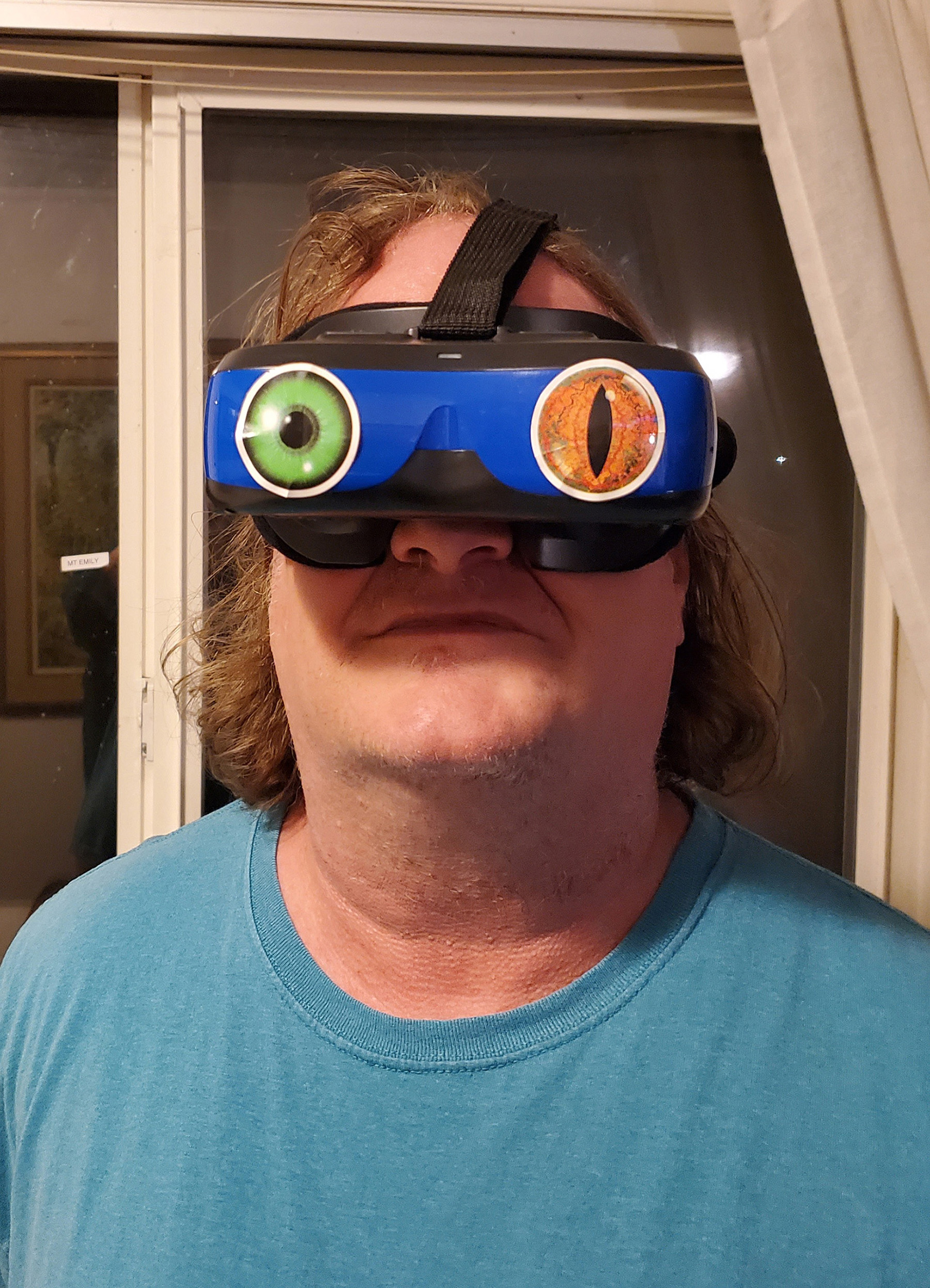
I used these computer screen googles to mirror my laptop monitor (put them on 2D not 3D)

They didn’t work on my older laptop but they were plug and play (mirroring screen) with this 14 inch dell laptop that cost me 260 bucks renewed with warranty, and it was fast enough to capture solar video for this.

You need a computer that can support DisplayPort or Alt Mode. And you need a USB that supports that too. USB C both ends (computer needs that too, not sure if an adapter would work but it might?) that can support DisplayPort or Alt Mode (search both in listing). Or just get this USB cable. I did. I used these (any length on this page should have it, check description for DisplayPort to make sure it hasn’t changed)

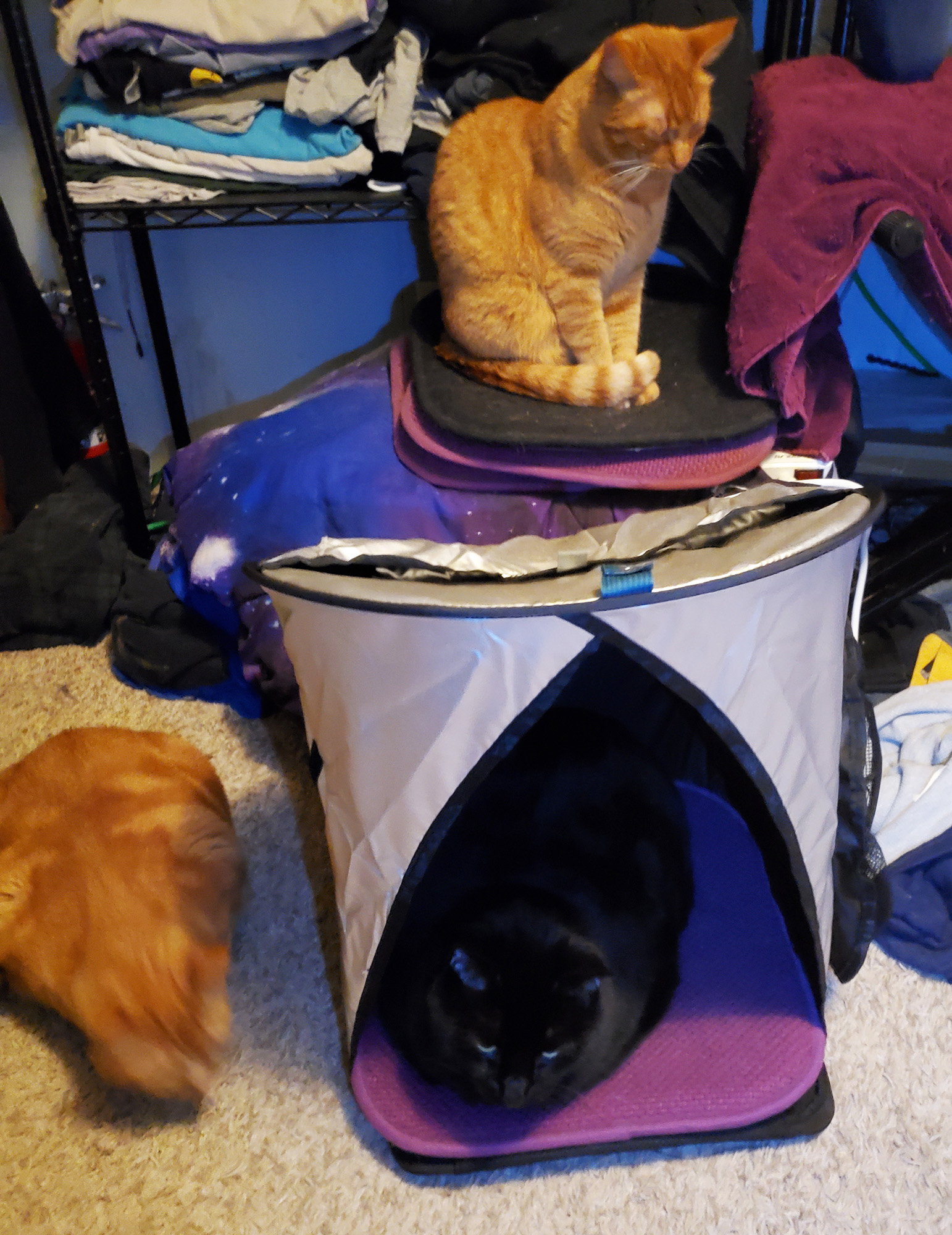
I used this little 30 dollar laptop sunscreen to hold the laptop, for when I had to peek out at it. (Cats love it too!, when not in use for laptop)

I used Player One Neptune-M camera on Lunt 40 mm solar scope with BF1200. on  Sky-Watcher SolarQuest Mount which JUST WORKS!

Here’s what I shot on my 3rd day ever of solar shooting.


This headset has no camera, so I recommend not putting it on until you’re seated, and stay seated until you’re done. At least don’t try to walk wearing it.

If you want to have fun with the goggles, add your pick of these inexpressive creature eye stickers to them.